The flashlight app for Android
One tap.
Instant light.
Hunting through menus in the dark wastes time. Flashlight Ultra opens on one big power button – tap once and the LED is on.


- Free
- No account needed
- SOS included for free
Coming soon to Google Play. iPhone version in preparation.
SOS
Be seen when it matters.
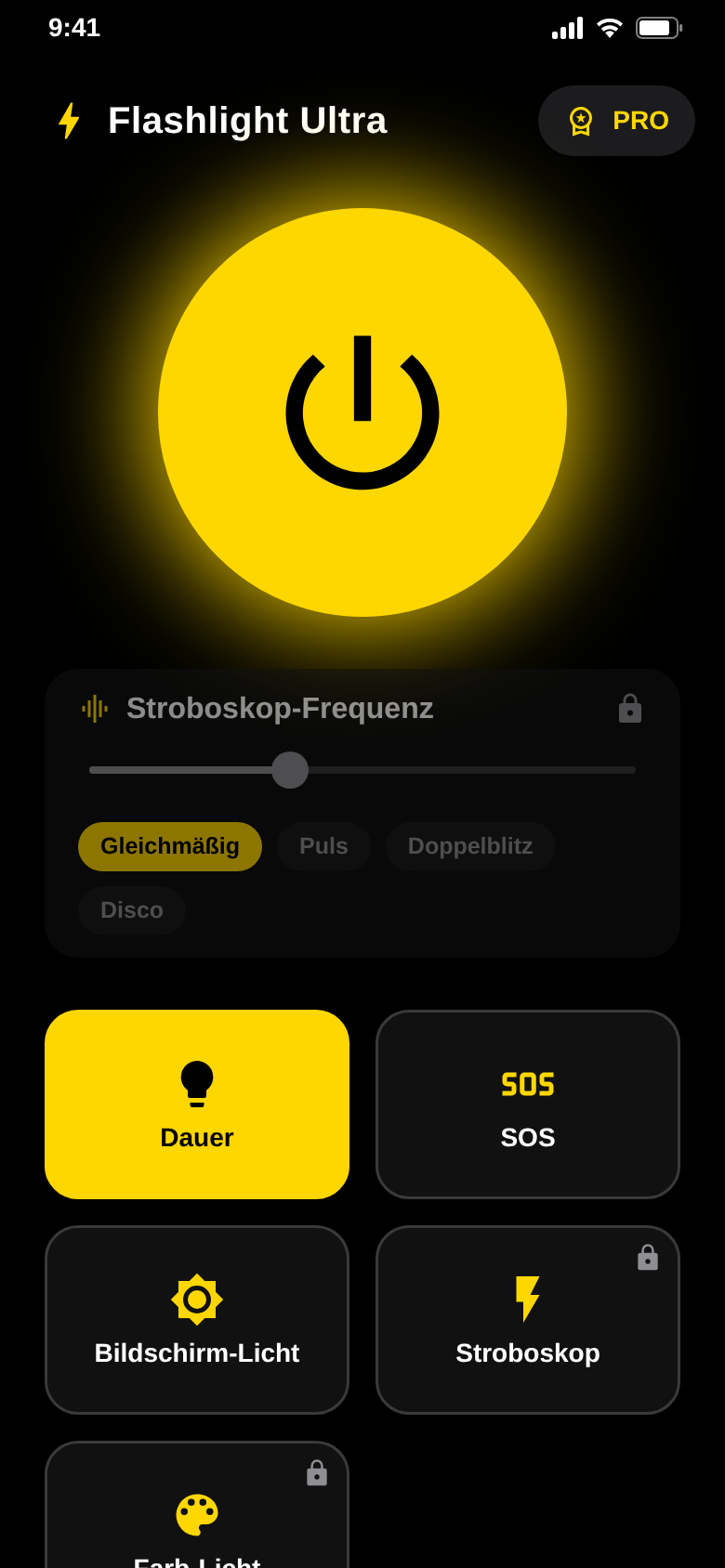
In SOS mode the LED flashes the international distress signal on its own: three short, three long, three short.
Free, just like steady light and screen light.
Screen light
Soft light from the whole screen.
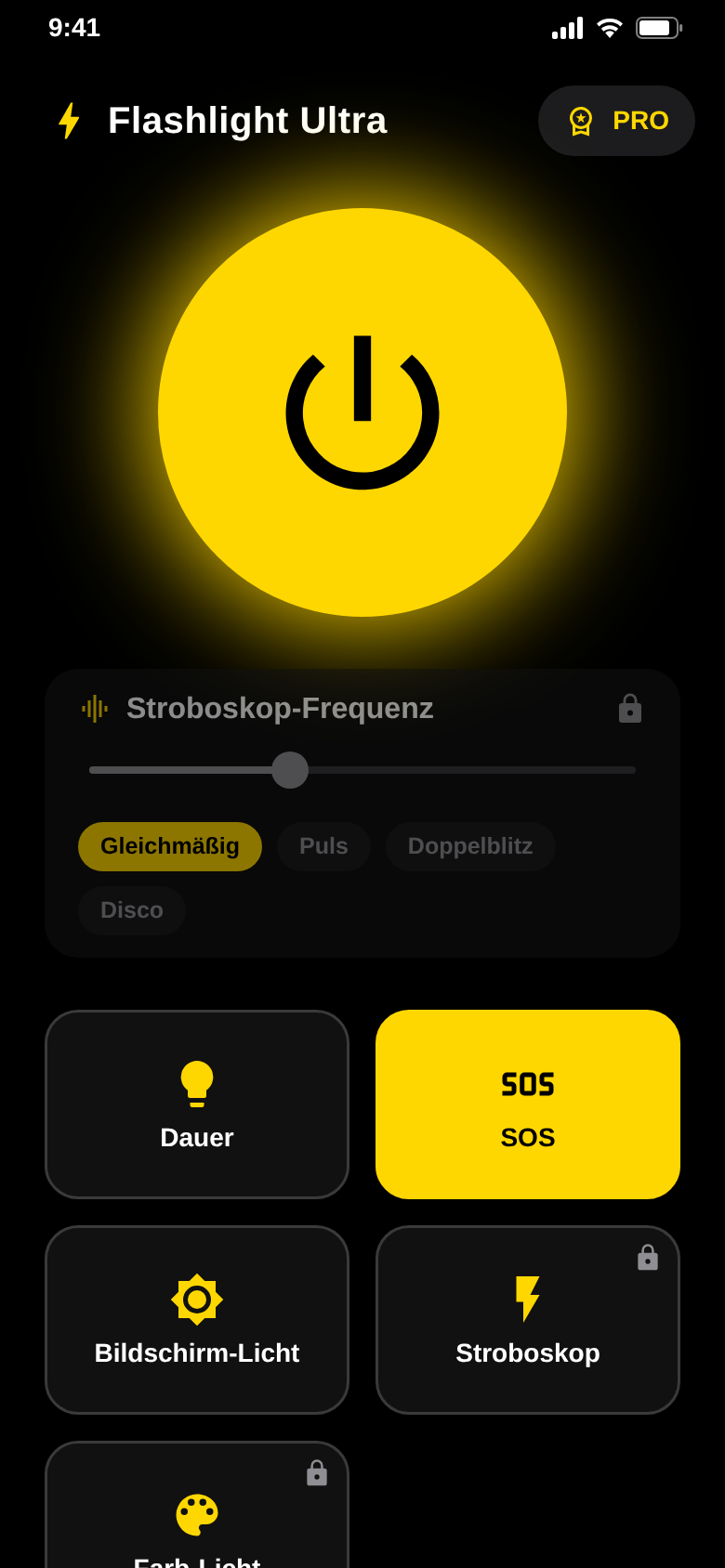
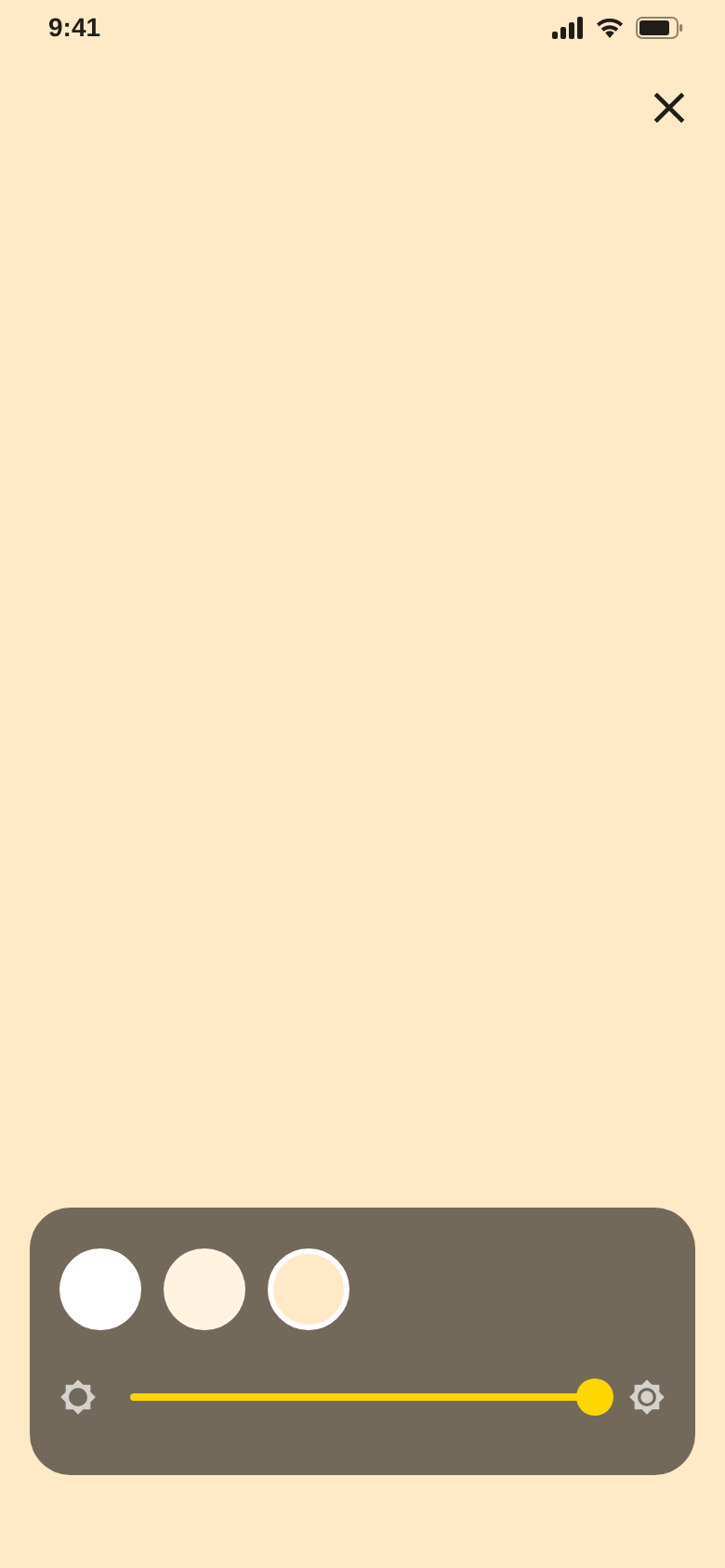
When the LED is too harsh, the display glows in white, neutral white or warm white – for reading or close-up work.
Brightness is adjustable, the display stays on, and the app remembers your setting.
Light only helps
when it is instant.
That is why the app opens straight on the power button.
Strobe
Flashes at your pace.
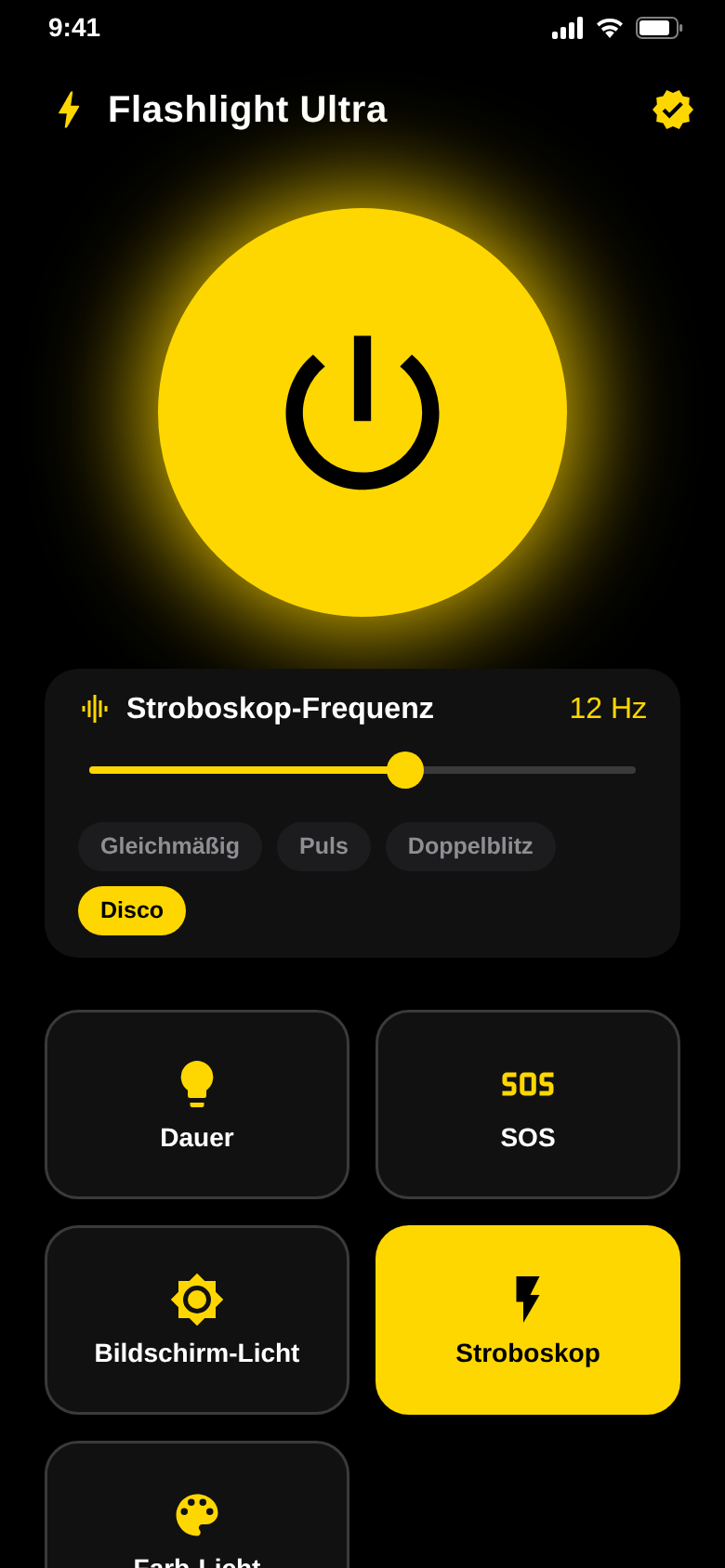
Set the strobe anywhere from 1 to 20 Hz and pick one of four patterns: steady, pulse, double flash or disco.
Part of Premium. Not suitable for people sensitive to flashing lights.
Color light
Your screen, in color.
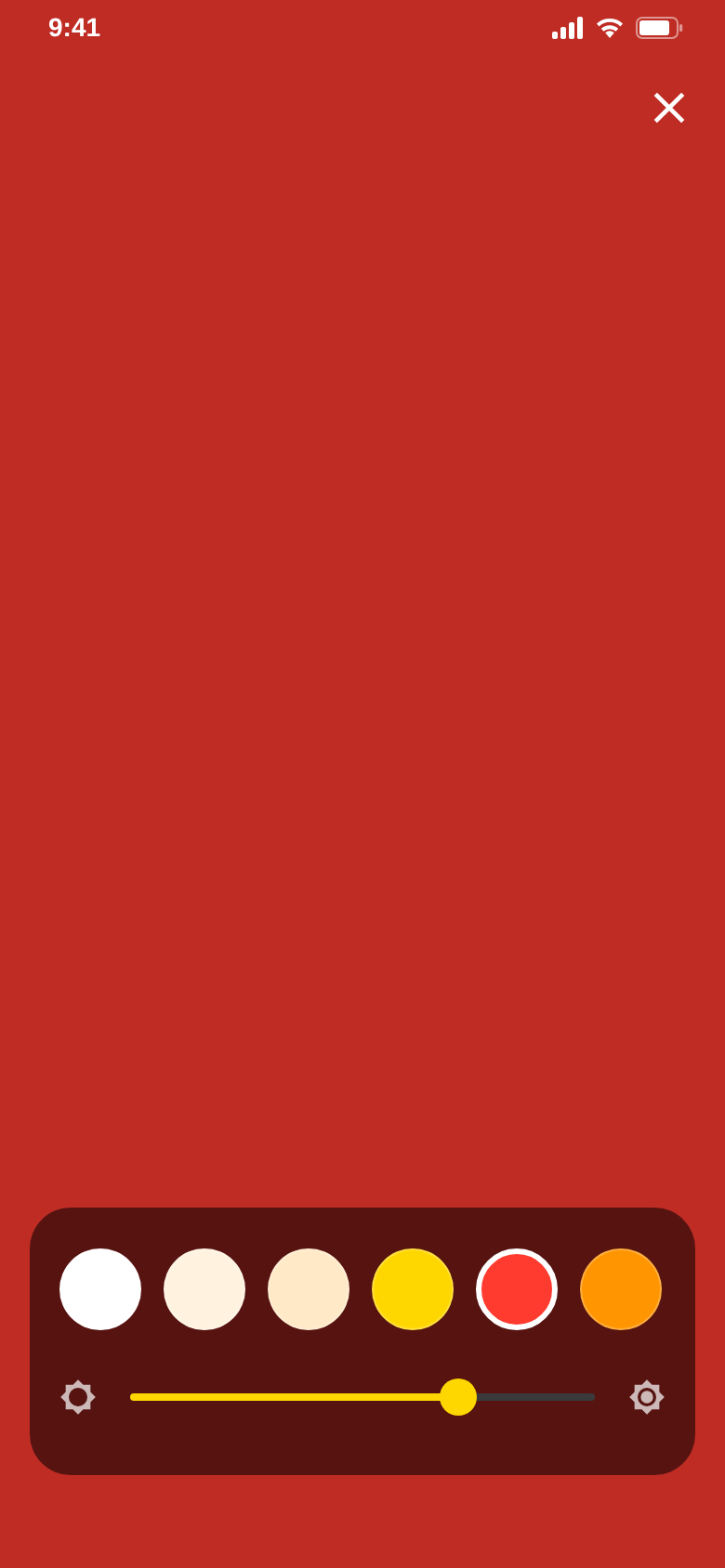
A full-screen light in gold, red, orange, green, turquoise, blue, violet or pink – with a brightness slider.
Part of Premium. Color and brightness are remembered.
The difference
Light without searching.
- Hunting for the torch in quick settingsBig power button right on the start screen
- Tapping out SOS by hand in an emergencyThe SOS signal flashes automatically
- The LED is too harsh for readingScreen light in three soft white tones
- The display switches off mid-useThe display stays on with screen and color light
- Setting color and brightness again every timeThe app remembers color and brightness
Everything in one app.
Steady light
The LED in one tap – no menus in the way.
4 strobe patterns
Steady, pulse, double flash and disco, from 1 to 20 Hz. With Premium.
11 light colors
Three white tones plus gold, red, orange, green, turquoise, blue, violet and pink.
Display stays on
Screen and color light keep the display awake for as long as you need it.
Haptic feedback
A short vibration confirms switching on and changing modes.
Ad-free with Premium
Removes ads and unlocks strobe and color light. Weekly, monthly or lifetime.
Quick questions.
Who is Flashlight Ultra for?
What does Flashlight Ultra cost?
How does Flashlight Ultra make money?
Which permissions does the app need?
Why does the LED not turn on?
Can I get it on iPhone?
Which languages does the app speak?
Is the strobe safe for everyone?

Get Flashlight Ultra.
Open the app, tap the button, light. That is it.
Free for Android · coming soon to Google Play.